> ## Documentation Index
> Fetch the complete documentation index at: https://hercules.app/docs/llms.txt
> Use this file to discover all available pages before exploring further.
# Connect an existing domain
> Connect a domain you own to your Hercules app. Add DNS records at your registrar. Diagnostics tool for troubleshooting.
Connect a domain you already own (like `myapp.com`) to your Hercules app for a professional branded experience.
### How do I connect an existing domain?
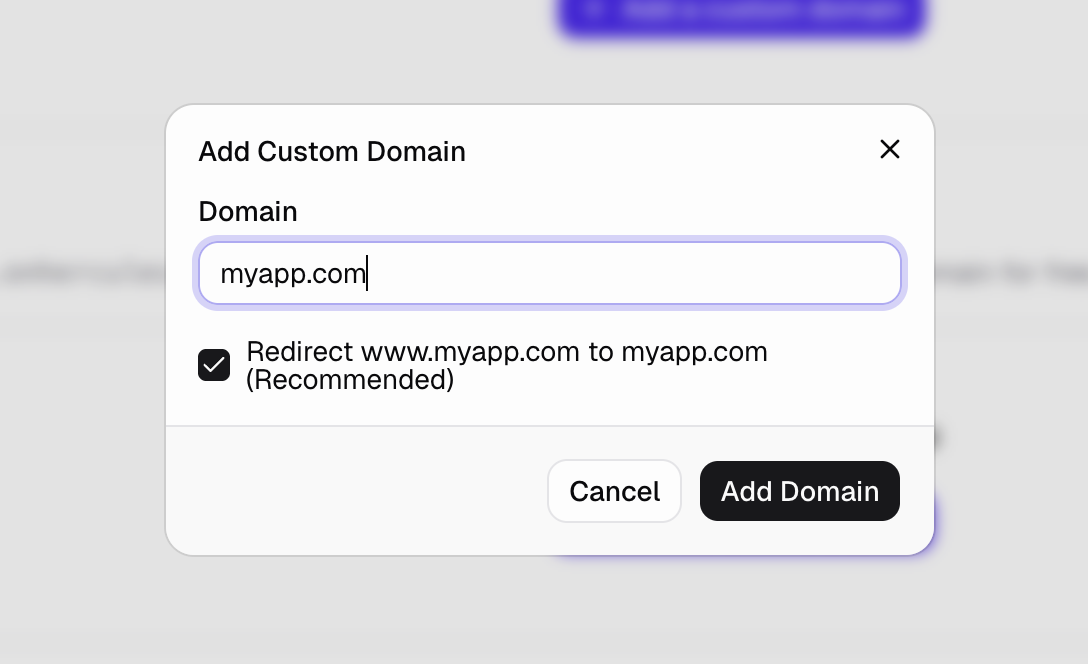
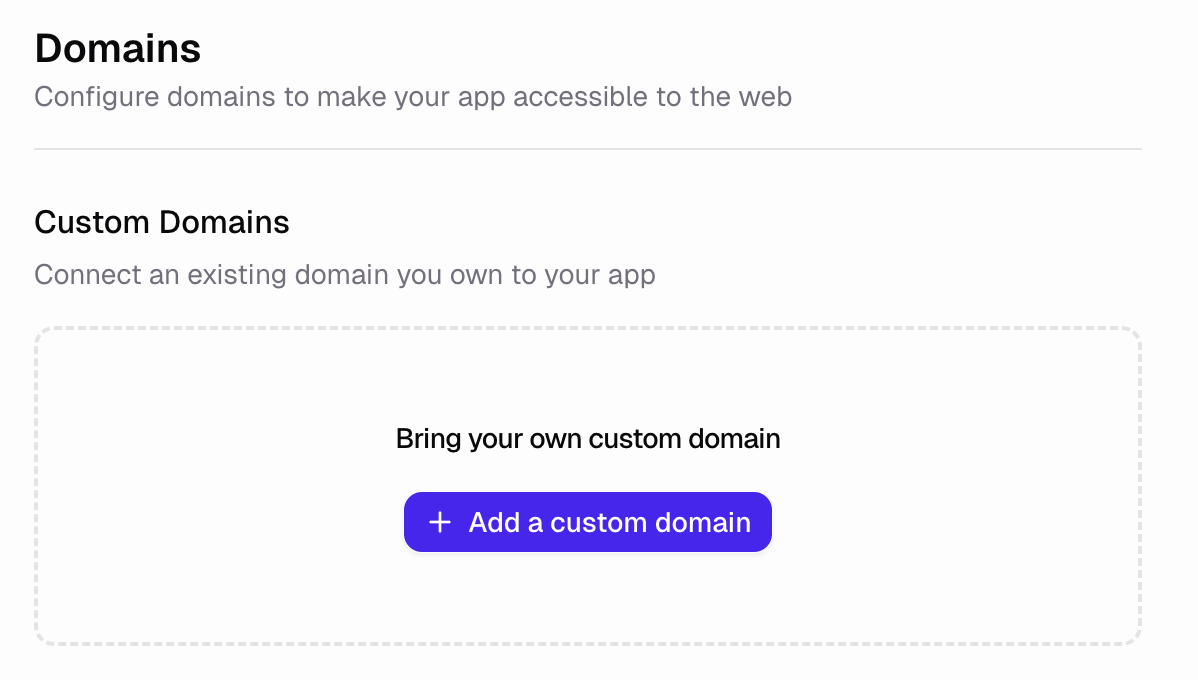
Go to the **Domains** tab, click **Add Domain** under the "Connect an existing domain" section, then enter your domain name.
### What are DNS records? Where/How do I add them?
You purchase your domain at a domain registrar (like GoDaddy, or Name.com). You build and host your app with Hercules. You use DNS records to connect your domain to Hercules so the internet knows where to find your website.
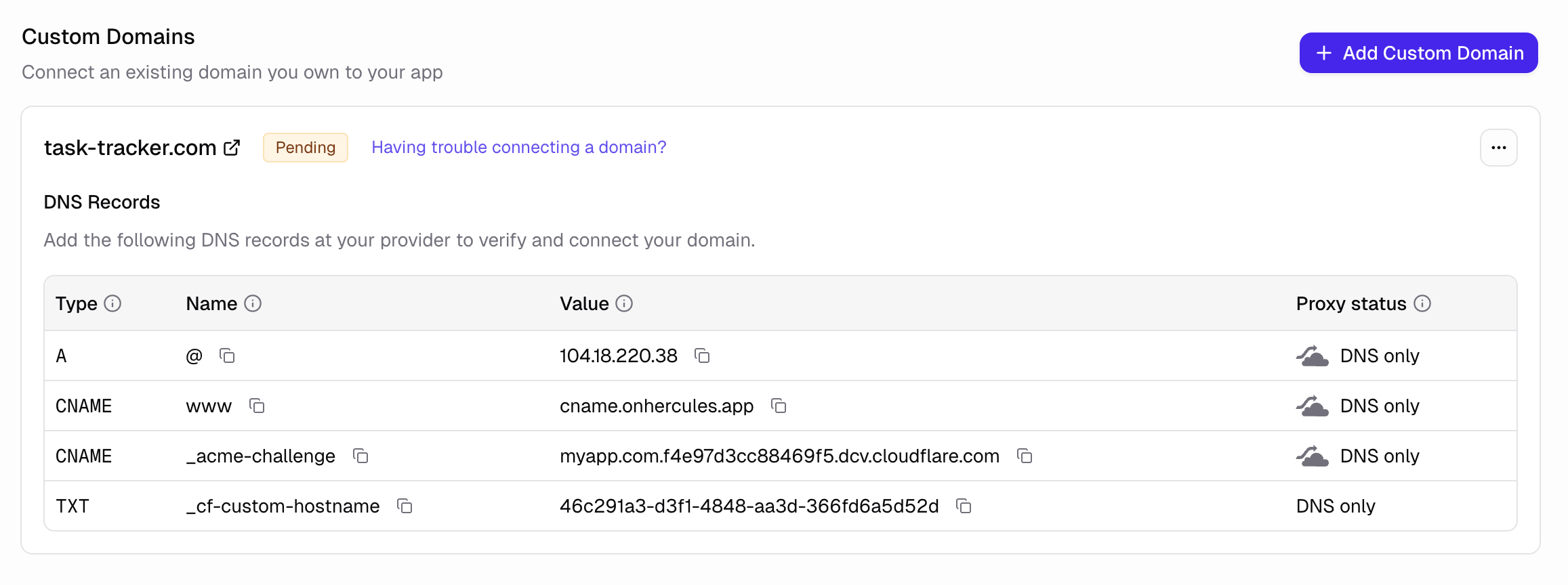
You must set up your DNS records following the instructions we give you:
| Type | Name | Value |
| ----- | --------------------- | ------------------------------------- |
| A | `@` | `104.18.220.38` |
| CNAME | `www` | `cname.onhercules.app` |
| CNAME | `_acme-challenge` | `` |
| TXT | `_cf-custom-hostname` | `` |
### Will this work for `www` too?
Yes. When setting up your domain, you can choose to have all subdomains redirect to your root domain (e.g. `www.myapp.com` would redirect to `myapp.com`).
### My domain isn't working, what do I do?
Click **Having trouble connecting a domain?** to open the diagnostics tool. This will check your DNS configuration and show you exactly what's wrong. The diagnostics will identify common issues like incorrect DNS record types, missing DNS records, or DNS propagation delays.

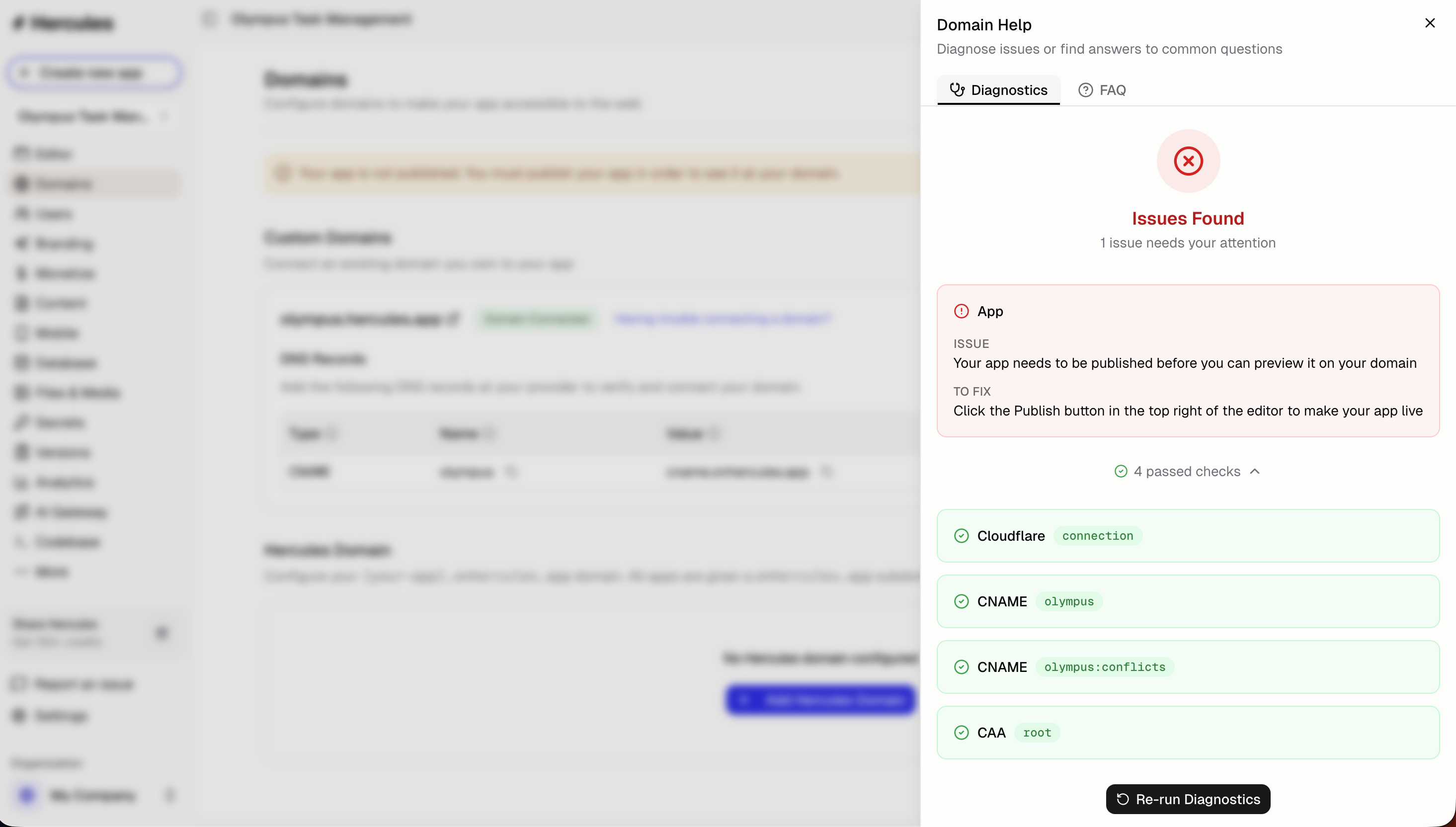
If your domain still isn't working even when all checks are green, click "Support & feedback" inside of Hercules and a member of the Hercules team will help.
### Can I connect multiple domains to the same app?
Yes. You can connect as many domains as you'd like to a single app. All domains will show the same content.
## Additional FAQ
You can purchase and register a domain directly inside Hercules with no DNS setup required. See
[Buy a domain in Hercules](/apps/publish/buy-domain).
Usually within minutes, but DNS changes can take up to 48 hours to fully propagate. If your
domain isn't working after a few hours, use the diagnostics tool to check your configuration.
No. Hercules does not currently support wildcard subdomains. You'll need to add each subdomain
individually.
This is usually a DNS caching issue. Try clearing your browser cache, flushing your DNS cache,
or waiting a few hours. Different ISPs and devices cache DNS records for different amounts of
time.
This error happens when your domain is connected to Hercules and also has a Cloudflare Zone set
up. It usually affects the `www.` subdomain, not the root domain. For example, if `abc.com`
works but `www.abc.com` shows a 1016 error, you probably have a Cloudflare Zone for `abc.com`.
To fix this, either remove the Cloudflare Zone for `abc.com` or don't set up the `www.` redirect
in Hercules.
This is a Google Safe Browsing warning, most commonly triggered on brand-new domains. The flag
is on your registered domain and clears once you submit a review request through Google Search
Console. See [Google Safe Browsing warnings on your domain](/apps/publish/domain-warnings).