> ## Documentation Index
> Fetch the complete documentation index at: https://hercules.app/docs/llms.txt
> Use this file to discover all available pages before exploring further.
# Roadmap
> Plan large features and migrations with a Roadmap of Initiatives and Milestones.
Plan major initiatives and large features with your app's **Roadmap**.
### What are Initiatives?
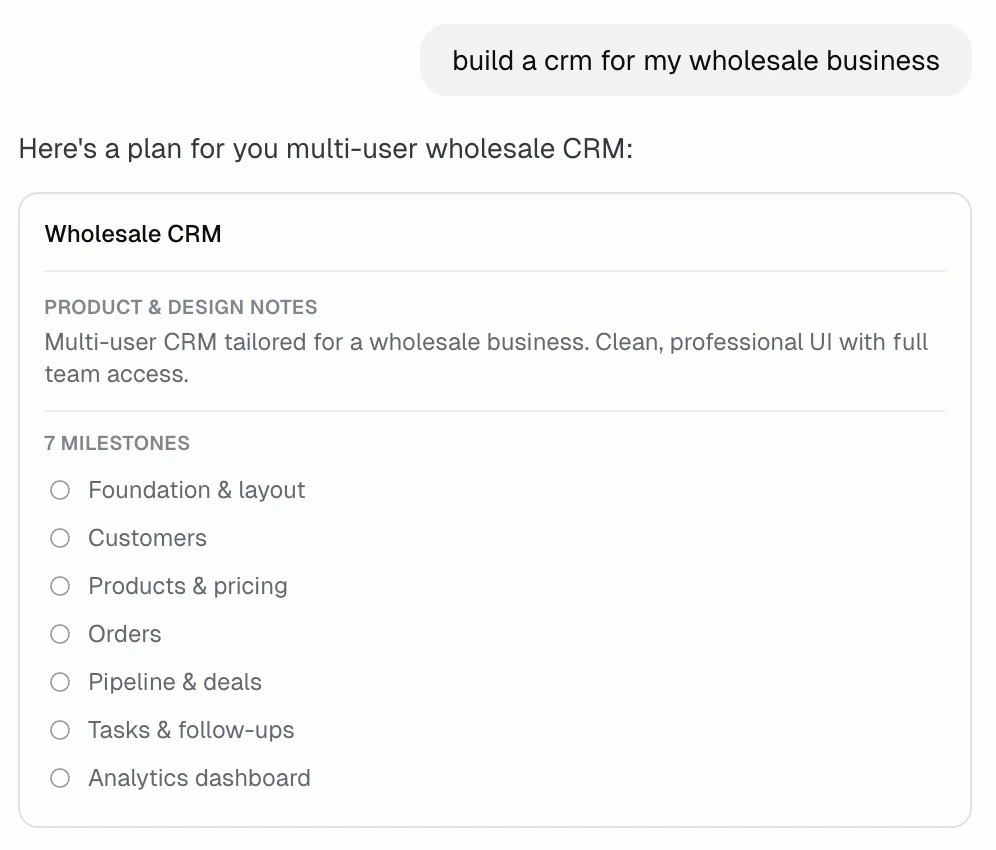
An Initiative is major, high-level goal that takes multiple steps to accomplish. Hercules creates Initiatives when you first start building a new app, when you use [Plan mode](/ai/agent-modes), or when you want to make major changes to your app. Initiatives contain Milestones.
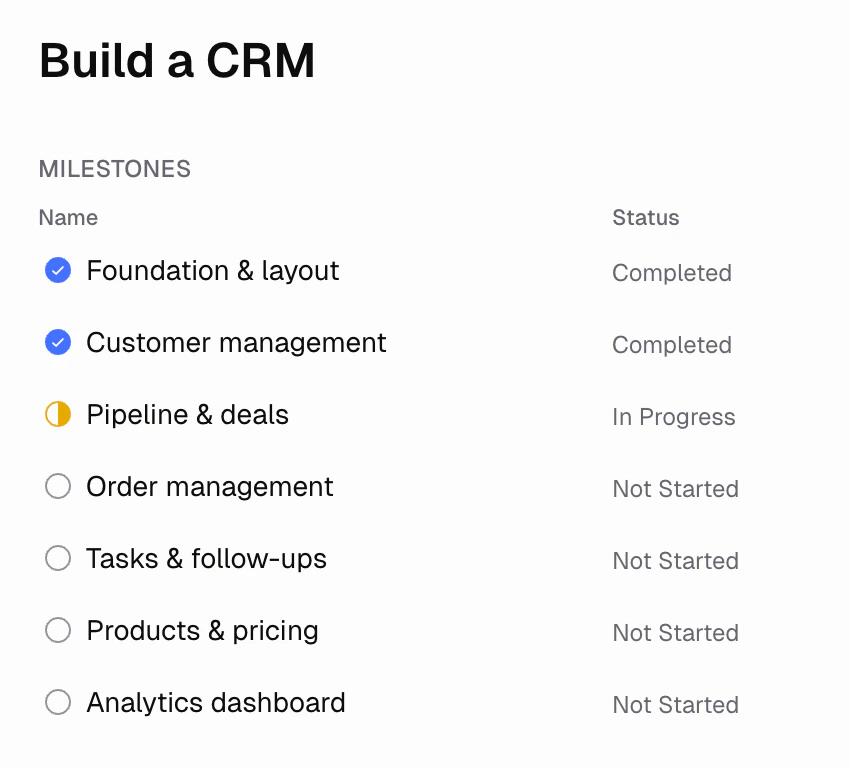
Examples might include *"Build a CRM"*, *"Redesign the app so it's mobile-first"*, *"Internationalize my app"*
### What are Milestones?
A Milestone is a single feature that Hercules can accurately build in one turn. Milestones are almost always build functionality that is testable at the end of implementation.
Examples might include *"Add comment and likes"*, *"Build checkout page"*, *"Add admin dashboard"*
### Can I edit the roadmap?
Yes. Use the **Roadmap** tab to add/edit/delete Milestones and Initiatives. You can also ask [Hercules](/ai/how-it-works) in chat, for example "add a milestone for invoicing".
### How do I get Hercules to build a Milestones?
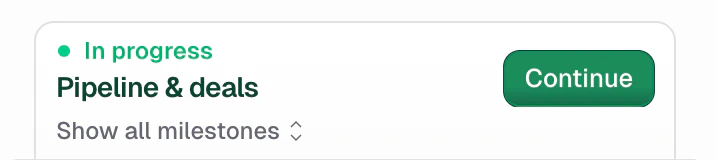
We recommend you click **Continue** in the Milestone upsell at the top of your chat input.
If you want to build a specific milestone can also click "Show All Milestones" in the upsell and click "Build it". You can also just ask Hercules any time.
### Additional FAQ
Stopping between Milestones lets you test, give feedback, and fix issues before moving on. This
avoids stacking errors across Milestones and ultimately saves you money.
We are launching the ability for you to run multiple Milestones at once very soon.
Yes. [Plan mode](/ai/agent-modes) interviews you, drafts the Initiative and Milestones, and
confirms with you before any code is written.
Short descriptions that capture product requirements, UX preferences, and any other important considersations or constraints. Hercules
reads them every time it builds a Milestone in that Initiative. We strongly recommend keeping them minimal.
Short descriptions that capture non-obvious technical details like key files, data models, backend routes, system design, or implementation details.
Hercules usually only creates these in [Plan Mode](/ai/agent-modes).
Set the Milestone to **Not started**, **In progress**, **On hold**, **Completed**, or
**Cancelled**. You can also ask Hercules in chat, for example "mark the dashboard milestone as
completed".
Newly created and recently edited initiatives show like this.
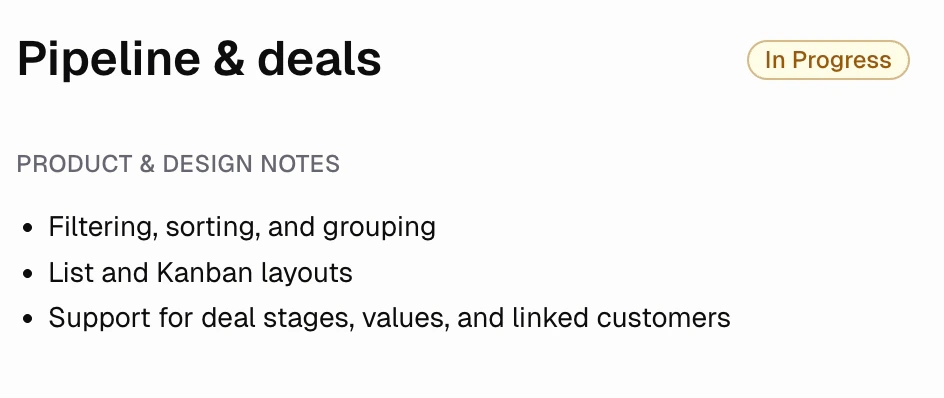
Milestones that are updated to in progress status show like this
Milestones that are updated to completed status
Set the Initiative to **Draft**, **Approved**, **In progress**, **On hold**, **Completed**, or
**Cancelled**. The status also updates automatically based on its Milestones (for example, it
moves to **Completed** when all Milestones are completed or cancelled).