
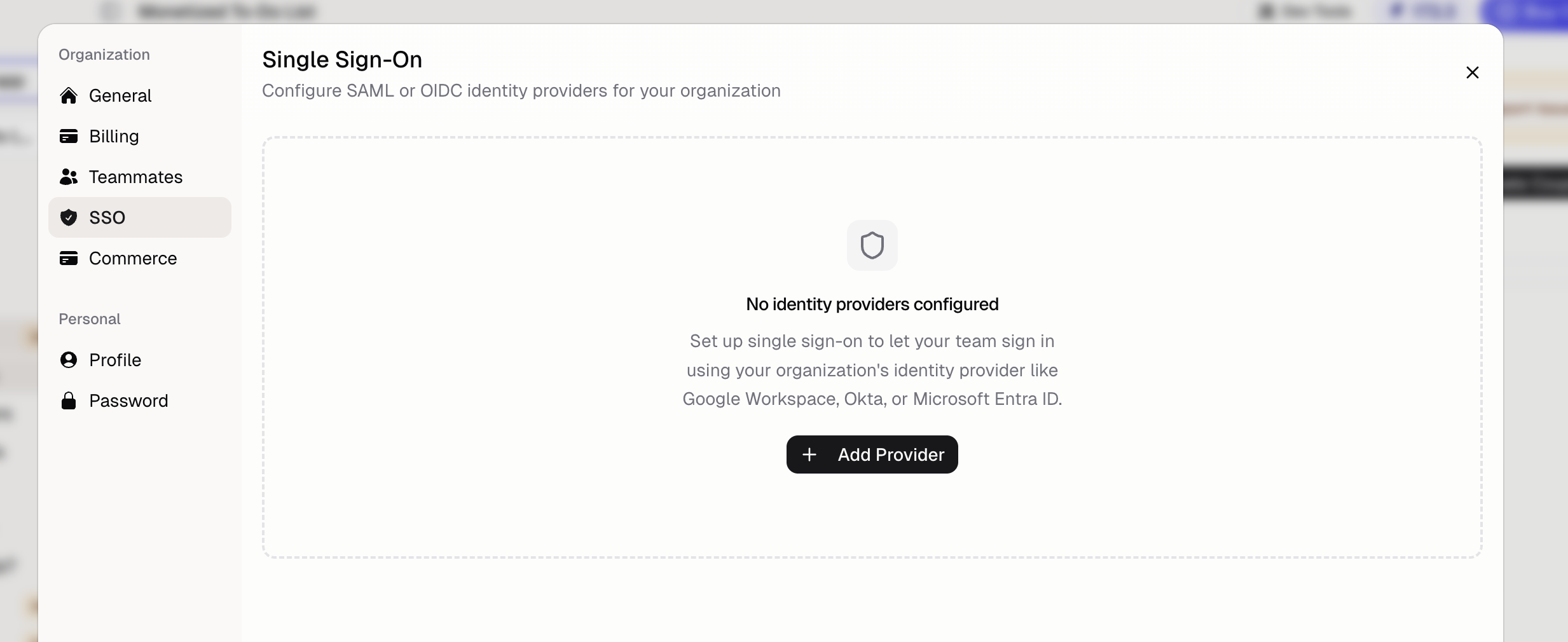
What identity providers are supported?
Hercules works with any SAML 2.0 provider:- Okta
- Azure AD (Microsoft Entra ID)
- Google Workspace
- OneLogin
- Auth0
- Ping Identity
Can I connect multiple providers?
Yes. You can connect multiple SSO/SAML providers to your organization.How do I set up SSO/SAML?
Go to Organization → SSO and choose Connect identity provider. Pick your provider, and Hercules walks you through it:- Copy the two values Hercules shows into a new app in your identity provider. Each provider’s steps use the field names its own console uses.
- Paste your provider’s metadata URL (a link on the app’s setup page in your provider), or upload its metadata file. Hercules shows what it found before anything is saved.
- Choose the email domains people sign in with, such as
acme.com. - Add the DNS record (a setting at your domain provider, such as Cloudflare or GoDaddy) Hercules shows for each new domain. Sign-in turns on by itself once every domain is verified, and you can close the dialog while DNS propagates.
Why do I need to verify my domain?
Verifying a domain proves your company owns it, so only your identity provider can sign in people with@acme.com addresses. Each domain gets a TXT record:
Keep the record in place. Hercules checks it every day. If it goes missing, the organization’s owners and admins get an email, and sign-in for that domain keeps working for 7 days while you put it back. Organization → SSO shows the date it stops. A domain can be verified by only one organization on Hercules.
Domains verified before domain checks existed need the record too. Hercules emails the organization’s owners and admins with a date 30 days out, and sign-in keeps working until then. After that date, a missing record gets the same 7 days as above.
How do I check that SSO works?
Open the provider under Organization → SSO and choose Test sign-in. You go through your identity provider’s real sign-in, then come back to Hercules, which shows who your identity provider signed in, or what went wrong. Nobody is signed in by a test. You can test a provider once its domains are verified.What happens when my identity provider changes its certificate?
If you connected with a metadata URL, nothing. Hercules downloads your provider’s metadata every day, so a new signing certificate is picked up as soon as your provider publishes it. If a download fails, Organization → SSO shows why. If you uploaded a metadata file or typed the values in, choose Replace metadata on the provider when your identity provider rotates its certificate.How do end users sign in with SSO?
After SSO is configured, users must click the “Sign in with SSO/SAML” option on the login page. They authenticate through your identity provider and are redirected back to Hercules.Additional FAQ
Can I get help setting up SSO?
Can I get help setting up SSO?
Yes. Contact hello@hercules.app and we’ll help you configure your identity provider.
Does SSO work for my app's end users?
Does SSO work for my app's end users?
Yes. See Single Sign-On for your app’s users, who sign in
with the same identity provider. This page covers SSO for logging into Hercules itself
(hercules.app).