
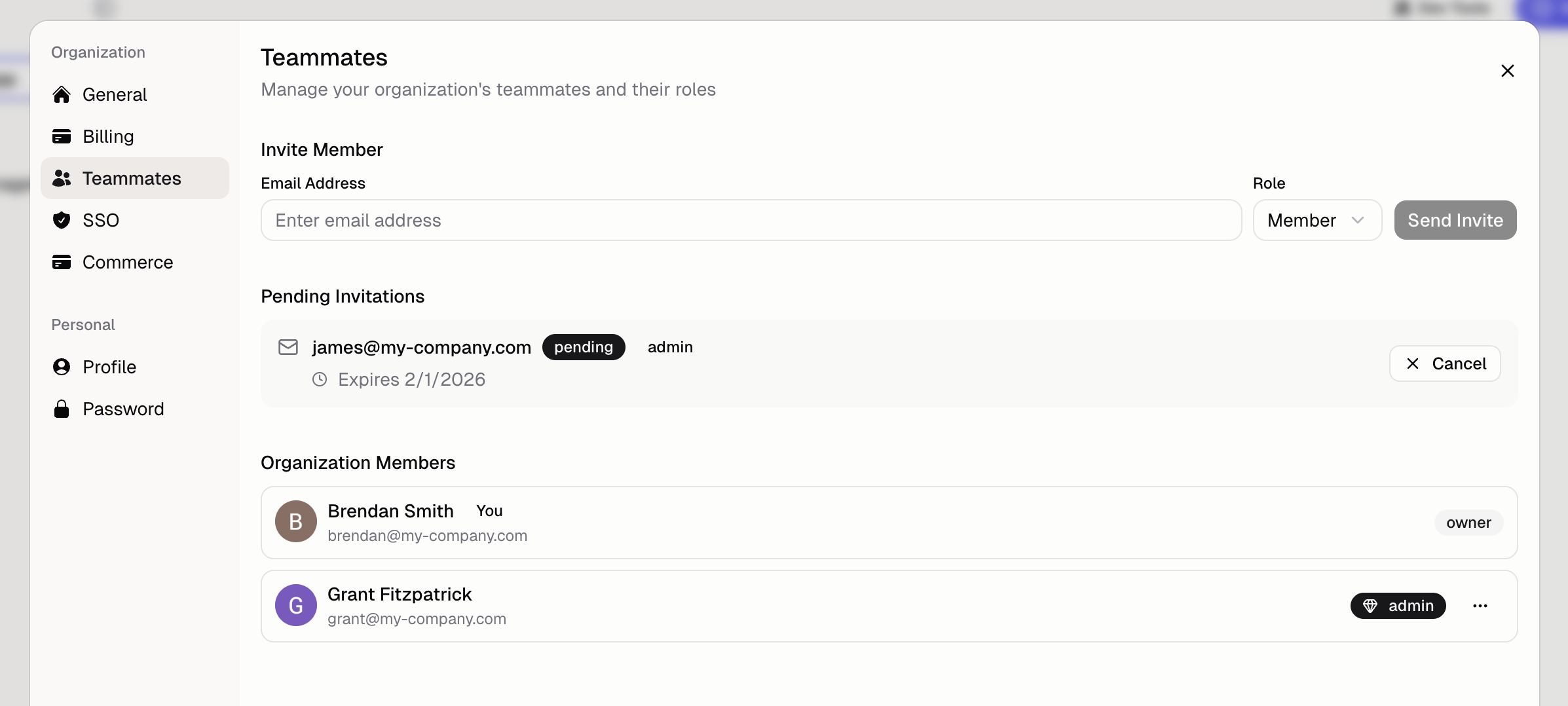
How do I invite a teammate?
- Go to Organization → Teammates
- Enter their email address
- Choose a role
- Click Send Invite
How do teammates collaborate on the same app?
Multi-agent
Collaborate on the same app by running multiple agents at the same time
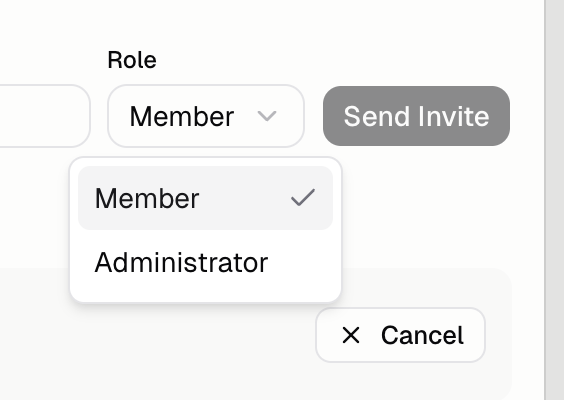
What roles are available?
How do I remove a teammate?
- Find the teammate in the list
- Click the menu (…)
- Select Remove
How many teammates can I have?
Free plans are limited to 1 teammate. Pro and Business plans can currently have unlimited.Additional FAQ
Can teammates have different permissions per app?
Can teammates have different permissions per app?
Currently, roles apply across all apps in the organization. Per-app permissions are on the roadmap.
What happens to pending invites?
What happens to pending invites?
Pending invites appear in the Teammates section. You can cancel them if needed.
Can a teammate be in multiple organizations?
Can a teammate be in multiple organizations?
Yes. Users can belong to multiple organizations and switch between them using the organization
switcher.
How do I delete the organization?
How do I delete the organization?
An Owner opens Settings → Danger Zone → Delete Organization. The organization goes
offline right away. You can restore it for 7 days. After that, it cannot be undone. See Delete
your organization.