
- Plan mode is best for building features and making large changes
- Debug mode is best for fixing bugs
- Build mode is the best for small fixes and general use cases
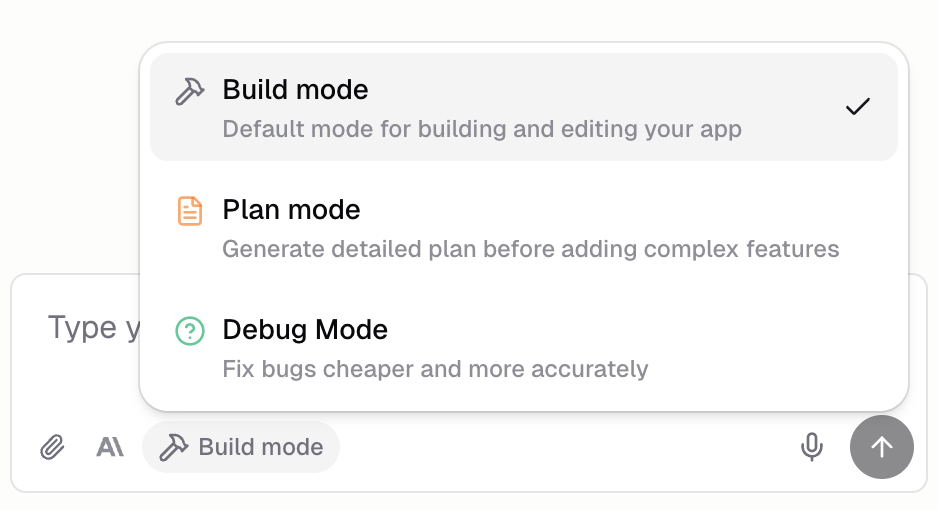
Quick summary
Build Mode
Build mode is Hercules’ default mode. The Agent biases towards making changes immediately. It will still plan, research, and ask questions if needed, however, less so than the other modes. Examples:- “Change the button color to blue”
- “Add a loading spinner to the submit button”
- “Remove the subtitle under the ‘about us’ section”
Plan Mode
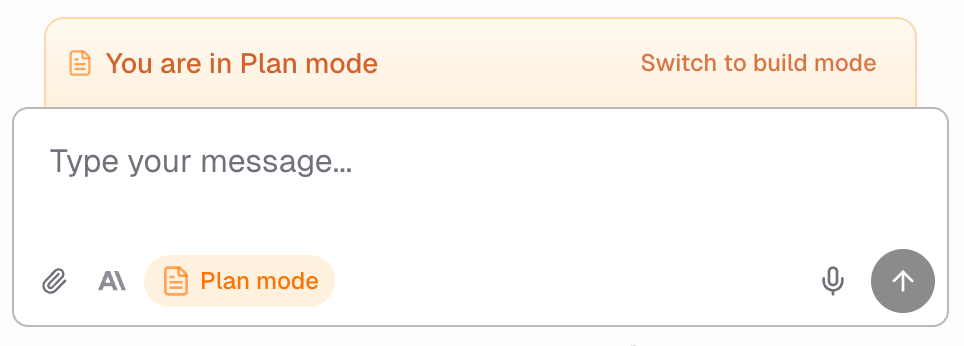
Plan Mode interviews you about your intent and goals, creates product milestones, confirms your approval, and then puts together a detailed engineering implementation plan before writing any code. It then switches back to Build mode to execute the plan. Plan mode ends up being cheaper and faster than just using Build mode. It plans ahead meaning it gives you a more accurate product result and avoids engineering implementation errors. Examples:- “Build a CRM for my business”
- “Create an admin dashboard with user management and analytics”
- “Add a booking system with calendar and availability”
Debug Mode
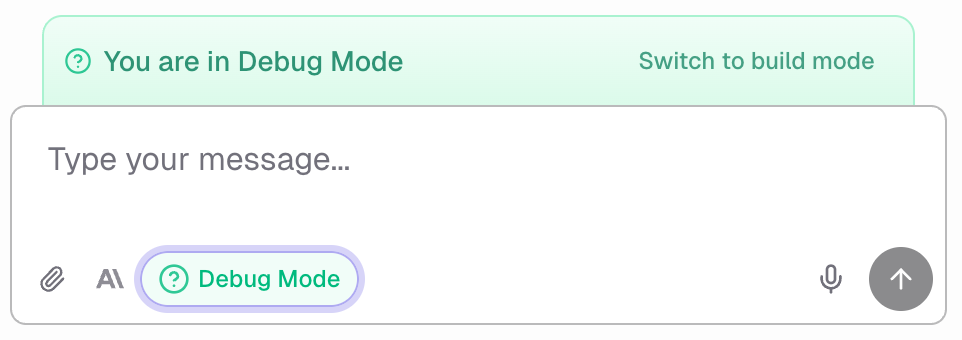
Debug mode interviews you to understand the bug you are experiencing, clarifies how it should work instead, comes up with hypotheses for what is causing this issue by deeply searching the codebase, then implements a fix for each hypothesis one-by-one until the issue is solved. Debug mode ends up being cheaper and faster than just using Build mode. It deeply researches the codebase to find the most likely cause for the issue which means its first fix is most likely correct. Examples:- “The checkout button doesn’t open when I click it”
- “The form submits but the data doesn’t save”
- “When I try to go to the dashboard it redirects me to the home page”
- “I can’t login”
- “Images aren’t loading on the /product page”
FAQ
How do I switch modes?
How do I switch modes?
Switch modes at any time by clicking the mode selector in the chat interface or by asking the
Agent to switch modes. Your conversation context is preserved when switching.
What is the fastest workflow for big features?
What is the fastest workflow for big features?
Start with Plan mode to define requirements and milestones. This approach is faster and more
accurate than just using build mode then course-correcting later.
Do I have to use Plan mode to build features?
Do I have to use Plan mode to build features?
No. Plan mode is optional but recommended for complex features. If your request is
straightforward, Build mode works well.
Why is Debug mode cheaper?
Why is Debug mode cheaper?
Debug mode investigates before making changes. This reduces wasted effort from wrong guesses.
Can the Agent change modes automatically?
Can the Agent change modes automatically?
The Agent may suggest switching modes when it detects a mismatch. For example, if you describe a
bug while in Build mode, it might recommend switching to Debug mode.