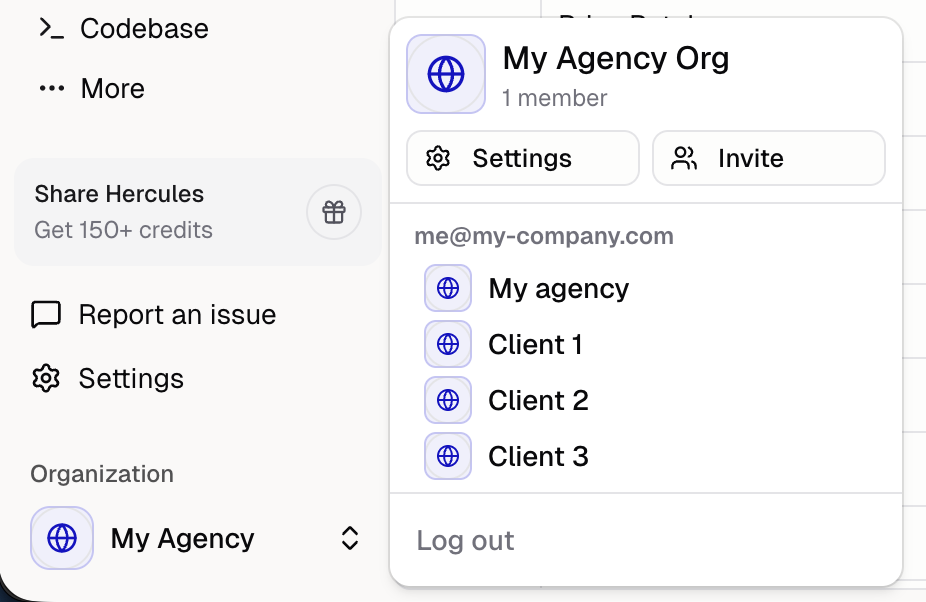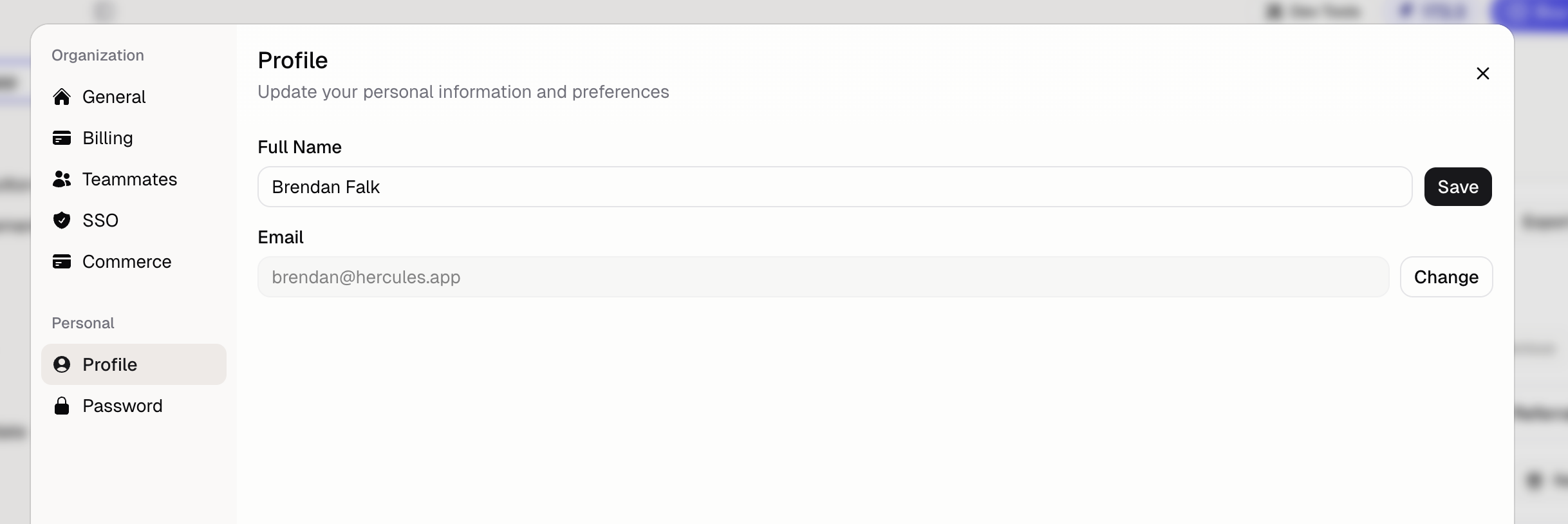
How do I change my email?
- Go to Settings → Profile
- Type in your new email address
- Go to your current email and click accept to verify the new email address
- Refresh your page
How do I change my password?
- Go to Settings → Password
- Click Send Reset Email
- Check your email for the reset link
- Set a new password
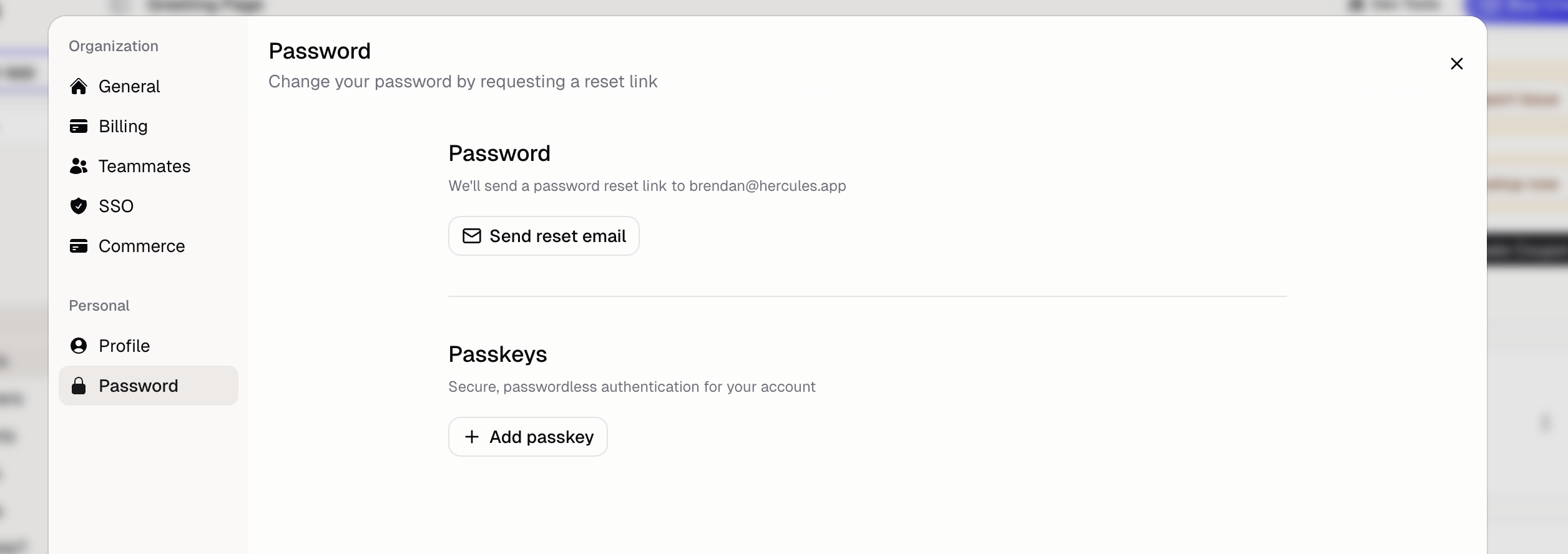
Can I use passkeys instead of a password?
Yes. Add a passkey in Settings → Password → Passkeys for passwordless login:- Face ID or Touch ID on Apple devices
- Windows Hello on Windows
- Fingerprint on Android
How do I quickly switch between organizations?
If you belong to multiple organizations:- Click the organization name in the sidebar
- Select a different organization