

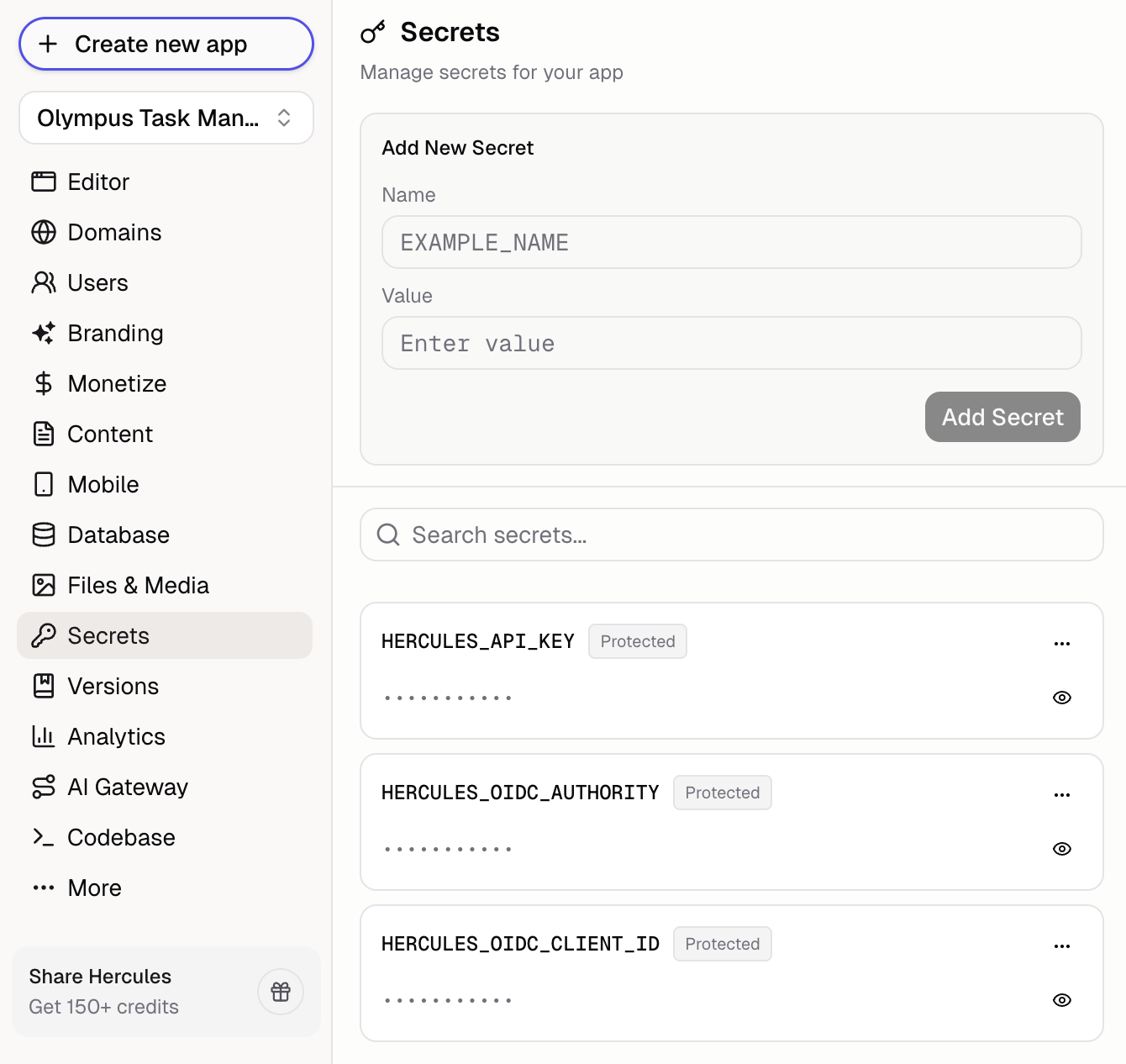
How do I add a secret?
- Go to Secrets in the sidebar
- Enter a name (like
TWILIO_API_KEY) - Enter the value
- Click Add Secret
How do I use secrets in my app?
Hercules will automatically uses your secrets when building features:- “Send emails with SendGrid” uses your
SENDGRID_API_KEY - “Send SMS with Twilio” uses your
TWILIO_API_KEY
process.env.SECRET_NAME
Can I view/edit a secret after creating it?
No. Secrets are write-once. Once created, you can see the secret name but can’t see or edit the value. To change a secret, delete it and create a new one with the updated value.Can Hercules AI see my secrets?
Hercules AI can see your secret names but not values. This lets it reference the correct secret when building features without exposing sensitive data.Additional FAQ
What are protected/predefined secrets?
What are protected/predefined secrets?
Hercules includes some predefined secrets for internal functionality (Hercules API keys, auth/OIDC
tokens). These are marked as protected and you can’t edit or delete them.
Are multiple environments supported?
Are multiple environments supported?
Coming soon. Multiple environments (dev vs prod) with different secrets per environment are
planned. Currently, all secrets apply to your single environment.
What if I accidentally expose a secret?
What if I accidentally expose a secret?
Immediately delete the old secret (in Hercules and the third-party) and create a new one with the
fresh key.
How are secrets stored?
How are secrets stored?
Secrets are encrypted at rest and never appear in your code or logs.