
How do I get started?
- Click Mobile in the Sidebar
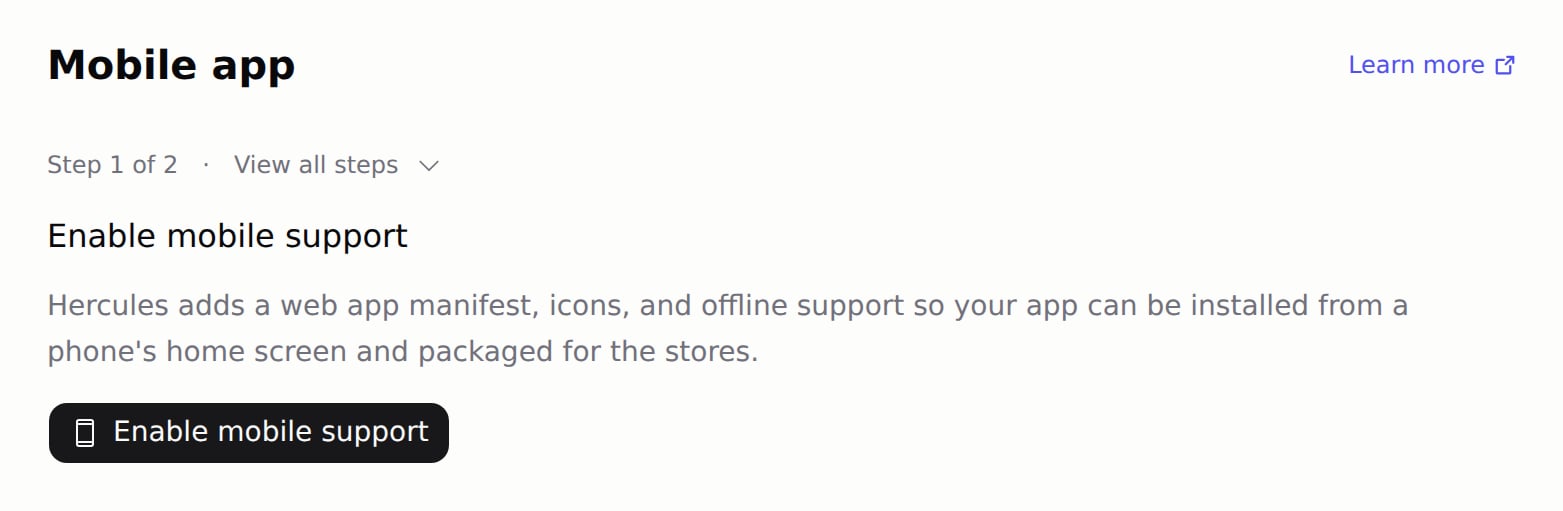
- Click Enable mobile support. Hercules adds a web app manifest (the file that names your app and its icon), icons, and a service worker (a script that lets your app open without a connection)
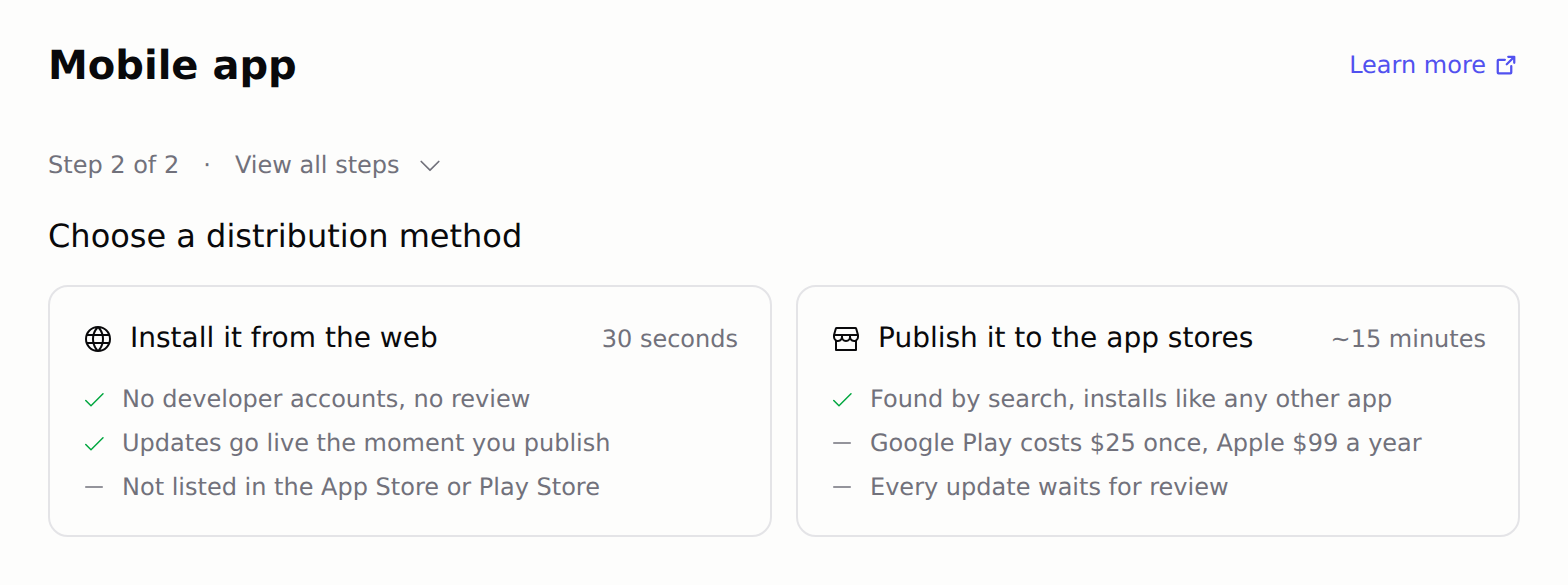
- Install it on your phone from the web by following the steps on screen. When you are ready for the stores, click Publish to App Store
Optimize for mobile
How do I publish my app to the App Store?
Publish to App Store
Submit your app to the App Store and Google Play
What is a PWA?
A Progressive Web App (PWA) installs on a phone like a native app. It has an app icon, opens full screen, starts without a connection, and can send push notifications.What can my mobile app do?
What works depends on how people install your app:
The store app settings are in App settings (the gear icon next to your app name). A store build only has what was on when it was built, so build again after you change them.
What can’t my mobile app do?
Hercules store builds include no native features beyond the ones above, so these do not work today:- Background location (seeing where someone is while the app is closed) and background audio (playing with the app closed or the screen locked)
- Custom native plugins or SDKs, such as AdMob, in-app purchase (StoreKit or Google Play Billing), Bluetooth, or syncing phone contacts
- Push notifications in the Android app
What is inside the Android and iOS apps?
Hercules wraps your published app in a small native app built with Capacitor (an open source app shell). The native app shows your app in the phone’s built-in web view, so changes you publish reach it the next time it opens. See Update Your App.- Android: a Capacitor app that shows your app in Android WebView. It is not a Trusted Web Activity (TWA, a format that runs your app in Chrome). A browser-based TWA option shows on the build step only for accounts in an early test today
- iOS: a Capacitor app that shows your app in WKWebView, the iPhone’s built-in web view, plus Apple push notifications when you turn them on
- Telling the app apart from the website: the store app adds
HerculesNativeto its user agent (the text a browser sends to identify itself). Ask Hercules to use it to hide what a store does not allow, such as checkout for digital items - Code export: Download App Code contains your web app’s code only. Hercules creates the Android and iOS projects for each build, and they are not part of the export
- Android signing: Hercules creates the upload key on your first Android build and keeps it. See Do I need to save my Android signing key?
How does sign-in work in the store app?
Your store app uses the same Hercules Auth sign-in as your website:
Google does not allow its sign-in page inside an app’s web view, so social sign-in finishes in the phone’s browser:
- The person taps a social sign-in button, and the phone’s default browser opens
- They sign in there. The browser then shows a Return to the app page, which asks them to close the tab and switch back to your app
- They switch back to your app, and it finishes signing them in
Ready to publish?
Submit your app to the App Store and Google Play